🧠 Auto Display Your ASIN Cost on Amazon with AZInsight
🟦 Overview
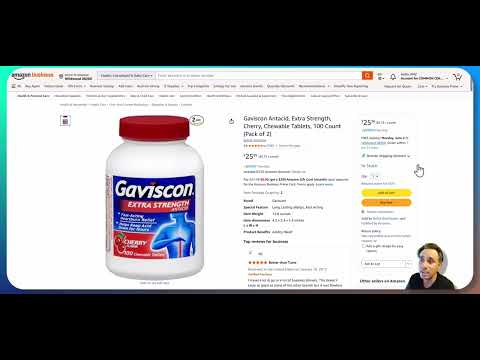
Click the image above to watch the tutorial video
AZInsight makes sourcing decisions faster by showing real-time profitability overlays directly on Amazon listings. With Source Correct’s Chrome extension integration, your cost and pack size data automatically syncs into AZInsight — no more flipping between tabs or guessing margins.
This integration pulls your confirmed case cost, unit cost, pack size, and any associated prep/shipping costs directly from Source Correct and overlays them on top of the Amazon page while browsing.
⚙️ How It Works
Once connected, your Source Correct Chrome application auto-matches the ASIN you’re viewing on Amazon with data in your system. AZInsight will then:
-
✅ Display your confirmed ASIN cost
The result: A precise ROI, margin, and fee breakdown based on your actual numbers — not rough estimates.
🖥️ Setup Requirements
To use this feature, you must:
-
Have an active Source Correct account
-
Be logged into your Source Correct account
-
Have active AZInsight account
- That's it!
💡 Pro Tips
-
Use this during Amazon research to compare suppliers’ real margins.
-
If the data seems off, check the supplier sheet history to confirm your most recent pack size or price edits.
-
Combine this with the Source Correct Notes feature to flag ASINs for your buying team.